On this page
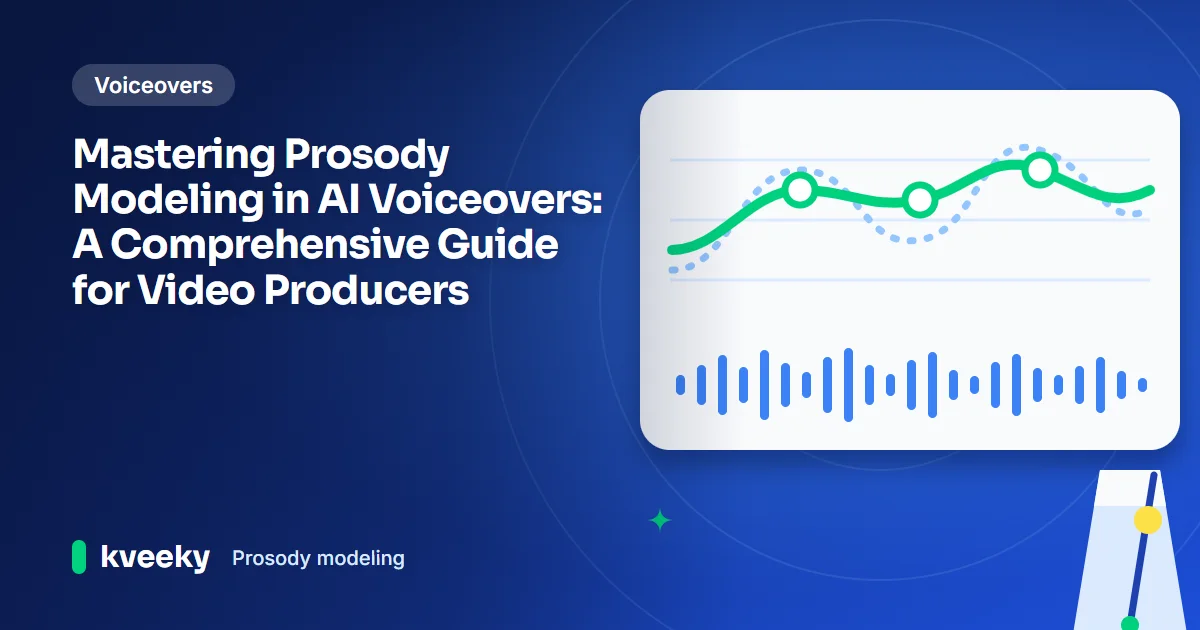
Prosody modeling is how an AI voice predicts the rhythm, stress, pitch and pauses of a sentence. It's the main reason one voice sounds natural and another sounds robotic, even when both say every word correctly. As a video producer, you shape it through your script, punctuation, speed and pitch settings, emotion settings and, in some tools, SSML.
Last updated: October 6, 2026. We checked the research paper and the W3C specification cited below on that date.
This guide is for video producers, course creators and marketers who want to understand why AI voiceovers sound the way they do, and how to steer them. It starts with plain definitions, then covers how models work and what you can control.
Key Takeaways
- Prosody is the music of speech: rhythm, stress, intonation and pauses. It carries meaning and emotion beyond the words.
- Prosody modeling decides naturalness. Poor prosody is the most common reason an AI voice sounds flat or robotic.
- Modern models predict pitch, duration and energy from text. FastSpeech 2 is a well-known example from 2020 research.
- You control prosody in 4 ways: script and punctuation, global settings, emotion settings or styles, and SSML where supported.
- Kveeky gives you speed and volume control plus an Emotion dropdown with 6 options (Neutral, Happy, Love, Angry, Calm, Sad). It has no pitch control.
On this page: What is prosody · Why it matters · How it works · Controllable models · How to control it · Examples · FAQ
What is prosody?
Prosody is the rhythm, stress and intonation of speech. Linguists call it "suprasegmental", because it sits on top of individual sounds and spans syllables, words and whole sentences.
Prosody tells the listener how to read the words. It signals a question, marks the important word, shows where one idea ends and carries emotion.
| Prosodic cue | What it is | Example of what it signals |
|---|---|---|
| Intonation | The rise and fall of pitch | A rising end often marks a yes/no question |
| Stress | Extra weight on a syllable or word | "I said Tuesday" corrects a mistake |
| Rhythm and tempo | Speed and the pattern of strong and weak beats | Faster speech can sound excited or urgent |
| Pauses | Silence between words or phrases | A pause before a reveal builds suspense |
| Loudness | Energy or volume | Louder speech sounds more forceful |
In AI voices, these cues map to 3 measurable features: pitch (also called F0, the fundamental frequency), duration of sounds and pauses, and energy.
Why prosody modeling matters
It's one of the most important parts. A voice can pronounce every word correctly and still sound robotic if the prosody is wrong.
Listeners use prosody to follow meaning. Without it, they can't hear which word matters, where a sentence ends or whether a line is a joke. Flat prosody also tires people out over a long video.
Good prosody does 3 jobs in a voiceover:
- Clarity. Stress on the key word and pauses between ideas make the message easy to follow.
- Engagement. Pitch movement and changes in pace keep attention, while a monotone voice invites viewers to tune out.
- Character. Different pacing and pitch patterns give each narrator or character a distinct personality.
If your voiceover sounds stiff, prosody is usually the cause. Our checklist on how to make an AI voiceover sound less robotic gives quick fixes.
How prosody modeling works
Prosody modeling has moved through 3 generations. Each one learned more from data and needed fewer hand-written rules.
| Approach | How it works | Strength | Weakness |
|---|---|---|---|
| Rule-based | Linguists write rules for pitch and timing | Easy to understand and control | Sounds mechanical; rules for every language |
| Statistical (for example HMMs) | Learns probable pitch and timing patterns from labelled speech | Handles new sentences better | Needs labelled data; harder to fine-tune |
| Neural networks | Learns prosody directly from large amounts of speech | Much more natural and expressive | Harder to control exact details |
Many neural models predict prosody as separate features. The FastSpeech 2 paper (Ren and colleagues, 2020) extracts duration, pitch and energy from recorded speech during training. It then predicts those values for new text when it generates audio.
What the model looks at in your text
To predict prosody, a model analyzes your script on several levels:
- Grammar. Content words such as nouns, verbs and adjectives usually get more stress than words like "the" or "of".
- Sentence structure. Clause boundaries suggest where to pause and where pitch should reset.
- New versus known information. Words that introduce new information usually get more emphasis than words already mentioned.
- Punctuation. Commas, periods and question marks are strong hints for pauses and pitch.
That's why rewriting a sentence often fixes delivery faster than any setting. For the full pipeline from text to audio, see how text-to-speech AI works.
Models with controllable prosody
Most modern AI voice tools offer some prosody control, but the type and depth vary. Look at which of these 4 control types a tool supports.
| Control type | What you can change | Best for |
|---|---|---|
| Global settings | Speed, pitch and tone for the whole read | Quick fixes across a full script |
| Emotion settings or styles | The emotion of a line or section | Hooks, stories and character lines |
| SSML markup | Exact pauses, emphasis, pitch, rate and volume | Precise, word-level control |
| Script and punctuation | Phrasing, pauses and stress through wording | Every tool, every time |
In Kveeky, you can adjust speed and volume, choose an emotion from the Emotion dropdown, and add custom punctuation hints. There is no pitch control, so choose a voice that already sits where you want it. Our guide to emotion control in AI voiceovers covers which emotions suit which scripts.
Tools that support SSML follow the W3C standard. Its <prosody> element can change pitch, contour, range, rate, duration and volume. Its <break> and <emphasis> elements handle pauses and stress. Support differs between tools, so check the docs first.
How Kveeky helps

- 1Pick a voice. Voices are tagged Free or Premium.
- 2Type or paste a short line. Pick an emotion if you want one.
- 3Choose the language and press play to hear it.
Try it yourself in the free voice demo on Kveeky, no sign-up needed. For longer scripts and downloads, use the free plan.

Controlling prosody step by step
Use this order. The early steps fix most problems, so you'll rarely need the later ones.
- Write for the ear. Short sentences, contractions and plain words give the model clear phrasing.
- Place punctuation on purpose. Commas for small breaths, periods for full stops and question marks for rising pitch.
- Put the key word where stress falls. Moving it to the end of a sentence, or into its own short sentence, often works.
- Set speed and pitch for the whole read. Make small changes and listen after each one.
- Add emotion where the mood changes. Tag the hook, the turning point and the call to action.
- Use SSML for exact control, if supported. For example,
Here's the <emphasis level="strong">important</emphasis> part. <break time="500ms"/> - Listen with the video. Prosody that sounds fine alone may need more pauses to match the visuals.
Run it on your script once. Takes about two minutes.
For detailed timing techniques, see our guide to pacing, pauses and emphasis tricks.
Prosody examples by video type
Different videos need different prosody. Use this as a starting point.
| Video type | Pitch | Pace and pauses | Stress |
|---|---|---|---|
| E-learning | Friendly, varied | Moderate; pause after key terms | On new terms, such as "myocardium" |
| Marketing video | Higher energy in the hook | Faster hook, clear pause before the offer | On the benefit and the call to action |
| Financial explainer | Steady, lower | Measured; slower on numbers | On figures and the main conclusion |
| Story or animation | Wide range per character | Varied; long pauses for tension | On emotional words |
Example: a 15-second marketing voiceover in Kveeky
Paste a short script, pick a voice and choose an emotion for each section (Happy for the hook, Calm for the close):
Tired of editing the same video 5 times?   (Happy)
Plan it once. Publish everywhere.            (Calm)
Try it free today.                           (Calm)
Set the speed slightly faster for the hook, listen once and download the audio. Then line up your cuts with the voice. For more on ad reads, see our page on AI voiceover for advertisements. To pick a voice that fits your audience, read our guide to matching AI voice tone to your niche.
Show me: one line, three ways to stress it
Take the line "I said Tuesday" from the table above. The words stay the same, so the stress decides the meaning. Mark the stressed word before you generate the voice.
- "I said Tuesday." Stress on said. It corrects a mistake: I told you already.
- "I said Tuesday." Stress on I. It shows who said it, not someone else.
- "I said, Tuesday." The comma adds a small pause that sets up the day.
If the voice stresses the wrong word, rewrite the sentence so the key word comes last, or give it a short sentence of its own, then regenerate and listen again.
Frequently asked questions
What is prosody in speech?
Prosody is the rhythm, stress, intonation and pausing of speech. It shows which words matter, whether a line is a question and how the speaker feels.
What's the difference between prosody and intonation?
Intonation is one part of prosody: the rise and fall of pitch. Prosody also includes stress, rhythm, tempo, pauses and loudness.
What are prosodic cues?
Prosodic cues are the signals in pitch, timing, stress and loudness that listeners use to understand meaning. A rising pitch at the end of a sentence is a common example.
How do you describe tone of voice?
Use 2 or 3 words for pitch, pace and feeling, such as "warm, slow and calm" or "bright, fast and playful". These words also make good notes when you choose an AI voice.
Can voiceover software adjust pacing automatically to video content?
Most text-to-speech tools set pacing from the text, not from the video. Write the script to the video's timing, adjust speed by section and then edit the cuts to the voice.
Does SSML work in every text-to-speech tool?
No. SSML is a W3C standard, but each tool supports a different set of tags. Check your tool's docs, and use punctuation and settings where tags aren't supported.
How we checked this guide
This guide is written by Hitesh Kumawat for the Kveeky team. Disclosure: Kveeky makes an AI voice generator.
- The FastSpeech 2 description comes from Ren and colleagues, "FastSpeech 2: Fast and High-Quality End-to-End Text to Speech", arXiv, 2020, retrieved October 6, 2026.
- SSML element names and attributes come from the W3C Speech Synthesis Markup Language (SSML) Version 1.1 specification, retrieved October 6, 2026.
- Kveeky features come from kveeky.com, retrieved October 6, 2026. No Kveeky usage data is used in this guide.
Your next step: take one line from your current script, say it out loud the way you want it heard, and mark the stressed word and the pauses. Then rewrite and regenerate that line until the AI voice matches your reading.
Turn your script into a voiceover
Paste your text, pick a voice and download the audio. Free to start, no credit card.