Generate Engaging
Voiceovers for IVR Voices

Create professional phone menus and greetings. Ensure your customers are greeted with a clear, friendly voice every time.

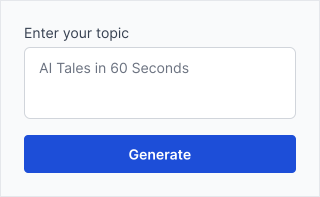
220/400

Unleash Your Creative Potential

Everything you need to produce high-quality content, faster than ever before.

Professional Consistency

Maintain the same professional voice across your entire phone tree, even when updating just one menu option.

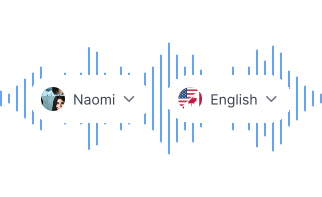
Multi-Language Support

Create menus in Spanish, French, German, and more to serve a diverse customer base instantly.

High-Fidelity Audio

Export in formats compatible with major VoIP and PBX systems like RingCentral, Twilio, and Zoom Phone.
How to Create IVR Voices Voiceovers

Follow these simple steps to generate professional audio in seconds.

Map Your Menu

Write scripts for each node of your phone tree (Greeting, Billing, Support, etc.).

Map Your Menu

Choose a Persona

Select a clear, 'Professional' voice. Avoid overly emotive styles for navigational prompts.

Choose a Persona

Export & Upload

Download the audio and upload it to your phone system provider.

Export & Upload

Frequently Asked Questions

FAQs offer concise answers to common inquiries about Kveeky.

Check your phone system's required audio format; most modern VoIP systems accept MP3 or WAV. If it needs a different file type, convert the downloaded audio in a free audio editor.

Yes! Just type your new hours, generate, and upload. It takes less than 5 minutes.

No, Kveeky voices sound human and polite, improving the caller experience compared to old text-to-speech engines.

Start Creating Studio-Quality Voiceovers Today

Choose from 700+ realistic AI voices in 40+ languages — built for creators and brands.

Get started for free -->

No credit card required