TL;DR
- ✓ Adopt a strict 30-minute production pipeline to maximize your daily content output.
- ✓ Use LLMs to script and map out cadence for better AI voice performances.
- ✓ Improve emotional nuance with punctuation and the emotion setting of your voice tool.
- ✓ Integrate your tools to eliminate friction and reduce time spent on file management.
- ✓ Avoid over-editing to ensure your content reaches audiences faster and more effectively.
On this page
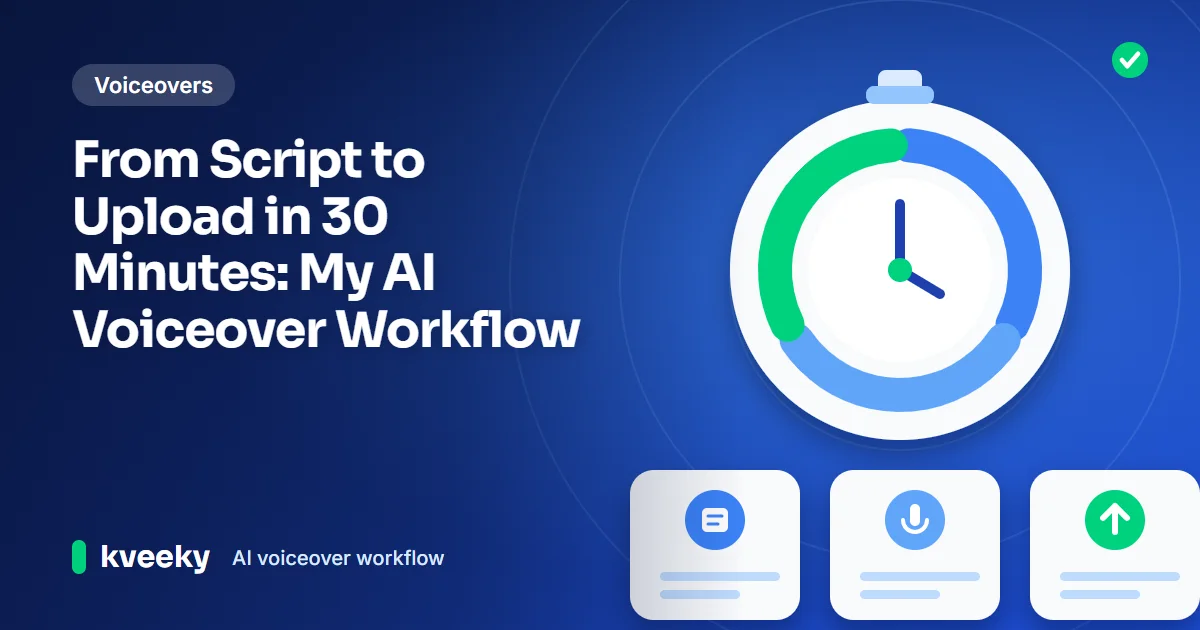
A 30-minute AI voiceover workflow splits one short video into 3 blocks of about 10 minutes each. You write the script, generate and check the voice, then sync it with prepared visuals and upload. It works for short videos when your visuals, template and voice are chosen in advance, not for long or complex edits.
Last updated: October 6, 2026. We rewrote this guide as a recommended workflow and removed tool claims we could not verify.
This guide is for creators and small teams who publish short videos often: YouTube Shorts, explainers, tutorials and social clips. It covers the prep you do once, the 3 timed blocks, and how to keep quality up while moving fast.
Key Takeaways
- 3 blocks of about 10 minutes: script, voice, edit and upload. If one block runs long, that's where your process needs work.
- Most of the speed comes from prep. Pick your voice, save an editing template and gather visuals before the timer starts.
- Write for the ear. Short sentences and punctuation give the AI voice its pacing, so you spend less time fixing audio.
- Generate in sections. Voicing each paragraph separately means a mistake costs one regeneration, not a full redo.
- Know the limits. This workflow suits short videos. Long, story-driven or multi-voice videos need more time.
On this page: The 3 blocks · Prep once · Block 1: Script · Block 2: Voice · Block 3: Edit · Mistakes · FAQ
Yes, for a short video of roughly 30 to 90 seconds. Prepare your voice, editing template and visuals once, then run three blocks of about 10 minutes: write the script, generate and check the voice, then sync, export and upload. Use the timer below to try it on your next video.
Start the timer when your prep is done. It names the block you should be in. If a block runs long, that is where your process needs work.
Not started.
The 30-minute workflow
The workflow is linear. You finish each block before you start the next, and you don't go back unless something is broken.
| Block | Time | Goal | Done when |
|---|---|---|---|
| 1. Script | 0–10 min | A short script written for the ear | You can read it aloud without tripping |
| 2. Voice | 10–20 min | A clean voiceover file | No mispronunciations or odd pauses |
| 3. Edit and upload | 20–30 min | A finished, uploaded video | Audio and visuals match, captions added |
These times are targets for a short video, roughly 30 to 90 seconds long. Your first few runs will take longer while you build the habit.
Prep work
The 30 minutes only works if these are done in advance, once.
Tick each one as you finish it. Your ticks reset if you reload the page.
Block 1: Write the script
Start from an outline: a hook, 2 or 3 points and a call to action. You can draft with an AI writing assistant, but always edit the draft yourself for accuracy and tone.
- Keep sentences short, one idea each.
- Put the hook in the first sentence.
- Mark pauses with punctuation. Commas give short pauses and periods give longer ones.
- Write numbers and symbols as words when the reading could be unclear.
- Read it aloud once. Fix any line you stumble on.
Our guide to writing an AI voiceover script covers these techniques in more depth.
Outline your short script in this order, then fill each line with one short sentence. Aim for 75 to 225 words for a 30 to 90 second video at 150 words a minute.
Paste your draft to see its length at 150 words a minute. Aim for roughly 30 to 90 seconds.
0 words = 0 min 0 s.
Block 2: Generate the voiceover
- Paste the script into your AI voice generator. In Kveeky, you pick from 700+ voices or use your saved default.
- Add tone cues where they matter. Pick an Emotion in Settings, such as Happy for the hook and Calm for a serious line (the choices are Neutral, Happy, Love, Angry, Calm and Sad).
- Generate paragraph by paragraph so you can redo one section without regenerating the rest.
- Listen once at normal speed. Fix mispronunciations by re-spelling the word, and fix pacing with punctuation or the speed setting.
- Download the final audio file.
If the voice sounds flat, these tips on how to make an AI voiceover sound less robotic fix most problems quickly.

How Kveeky helps

- 1Pick a voice. Voices are tagged Free or Premium.
- 2Type or paste a short line. Pick an emotion if you want one.
- 3Choose the language and press play to hear it.
Try it yourself in the free voice demo on Kveeky, no sign-up needed. For longer scripts and downloads, use the free plan.
Block 3: Sync and export
- Open your saved template and drop the voiceover on the timeline first.
- Place visuals to match the voice, cutting at the start of each sentence.
- Add captions. Many editors can generate them from the audio; check names and numbers.
- Set the music level well below the voice.
- Export and upload with a title, description and thumbnail prepared during prep.
For more on placing audio in different editors and platforms, see how to convert text to speech in videos.
Common mistakes
- Starting without visuals. Searching for footage mid-edit is the biggest time sink.
- Regenerating the whole script for one bad word. Generate in sections instead.
- Changing the voice every video. A fixed voice saves decision time and keeps your channel consistent.
- Over-editing. Small timing tweaks rarely change how viewers react. Ship, then improve the next one.
- Skipping the read-aloud check. A clumsy sentence costs more time to fix in audio than in text.
When you're ready to produce many videos at once, our guide to batch-producing 30 videos in a weekend applies the same blocks at scale. To check which voice style works best for your audience, A/B test your voiceover styles.
Pick where you lose time to see the fix from this guide.
Pick one to see the advice.
Frequently asked questions
Can you really make a video with an AI voiceover in 30 minutes?
Yes, for a short video, if your voice, editing template and visuals are prepared in advance. Longer or more complex videos, such as multi-voice stories, need more time.
How do I stop my AI voiceover sounding robotic?
Write short sentences, use punctuation for pauses, and add tone cues such as the emotion setting or speed changes. Listen once and fix any line that sounds flat.
Should I use AI to write the script too?
You can use an AI assistant for a first draft, but edit it yourself. Check every fact, cut filler and rewrite lines so they sound natural when spoken.
Can I use AI voiceovers on monetized YouTube videos?
Check your voice tool's plan terms first. Every paid Kveeky plan includes commercial usage rights for the audio you generate.
What is the fastest way to sync AI audio with video?
Put the voiceover on the timeline first, then cut visuals to match each sentence. A saved editing template and a prepared visual library save the most time.
How we checked this guide
This guide is written by Deepak Gupta for the Kveeky team. Disclosure: Kveeky makes an AI voice generator.
- The 30-minute workflow is a recommended process, not a measured test. Your times will vary with video length and editing style.
- Kveeky features and plan terms (700+ voices, the Emotion setting, commercial usage rights on paid plans) come from Kveeky pricing and kveeky.com, retrieved 2026-10-06.
- No Kveeky usage data is used in this guide.
Next step: do the one-time prep this week, then time your next short video against the 3 blocks. If you publish on YouTube, our page on AI voiceover for YouTube videos is a good place to pick your default voice.
Turn your script into a voiceover
Paste your text, pick a voice and download the audio. Free to start, no credit card.