Articles Read Aloud by Automated Voices

TL;DR
- Automated voices transform static text into a productive audio experience.
- Neural Text-to-Speech technology makes digital content accessible during daily commutes.
- Audio articles solve screen fatigue by enabling eyes-free content consumption.
- Accessibility features provide essential web navigation for visually impaired users.
- The 'Audible Internet' turns long-form articles into customizable podcast-style playlists.
Articles Read Aloud: The Internet is Finally Speaking Up
We are living in the era of bleeding eyeballs. You know the feeling. It’s 5:00 PM. You want to stay informed, you genuinely want to digest that 3,000-word deep dive on macroeconomics or the latest tech trends, but your retinas are screaming for mercy. You physically cannot look at another screen.
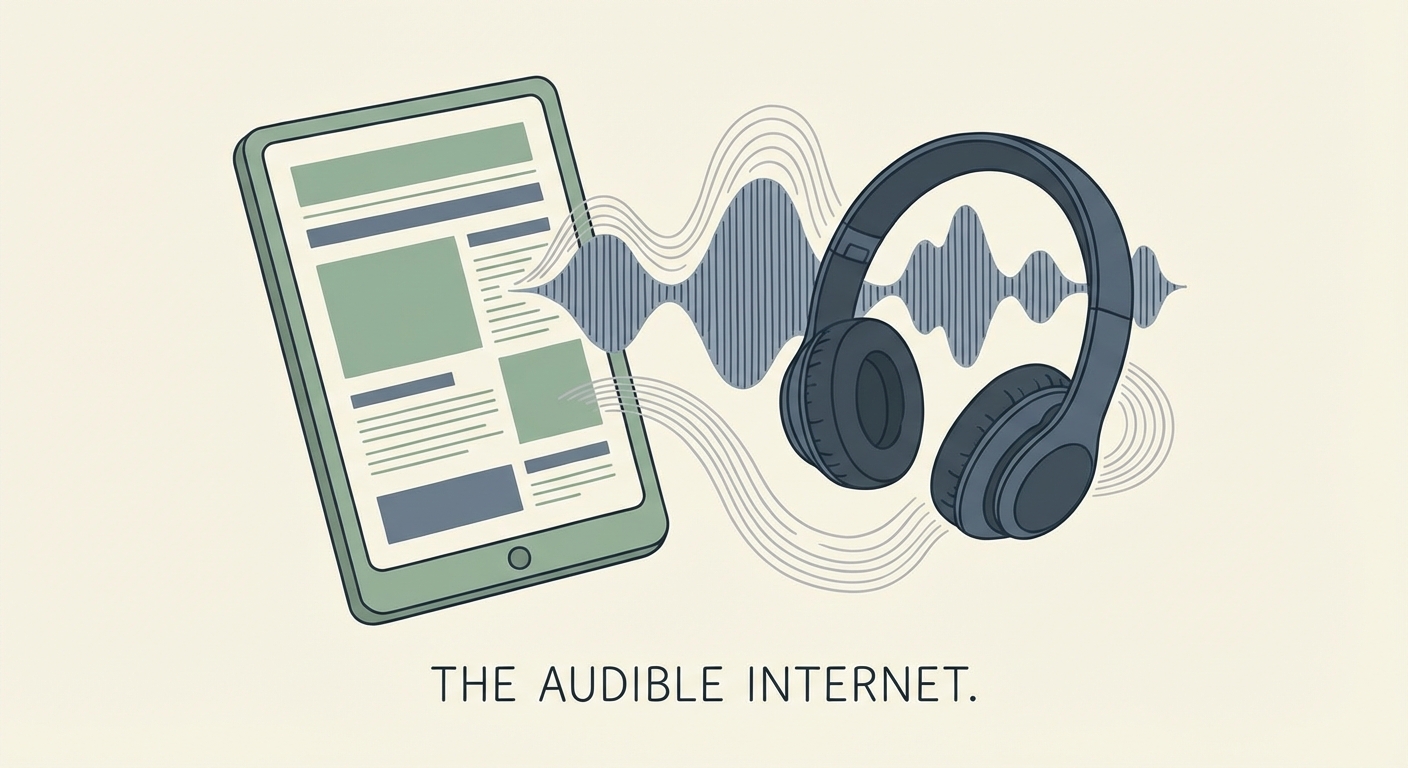
Enter "The Audible Internet."
Articles read aloud by automated voices used to be a clunky, niche accessibility feature. Now? They are the fastest-growing productivity hack for consumers and a massive engagement lever for publishers. This technology transforms static text into a fluid audio experience, letting you "read" with your ears while your eyes take a much-needed sabbatical.
The concept is simple, yet it changes the game: turn the web into a podcast. Whether you are a student drowning in academic papers or a commuter trying to reclaim lost hours, the shift to audio journalism is reshaping how we consume information. It is the bridge between our desire to know more and the physical limit of how long we can stare at a glowing rectangle.
Why Is the Demand for Audio Exploding?
This explosion isn't an accident. It is the inevitable collision of two massive forces: our obsession with efficiency and the sudden competence of Neural Text-to-Speech (TTS) technology.
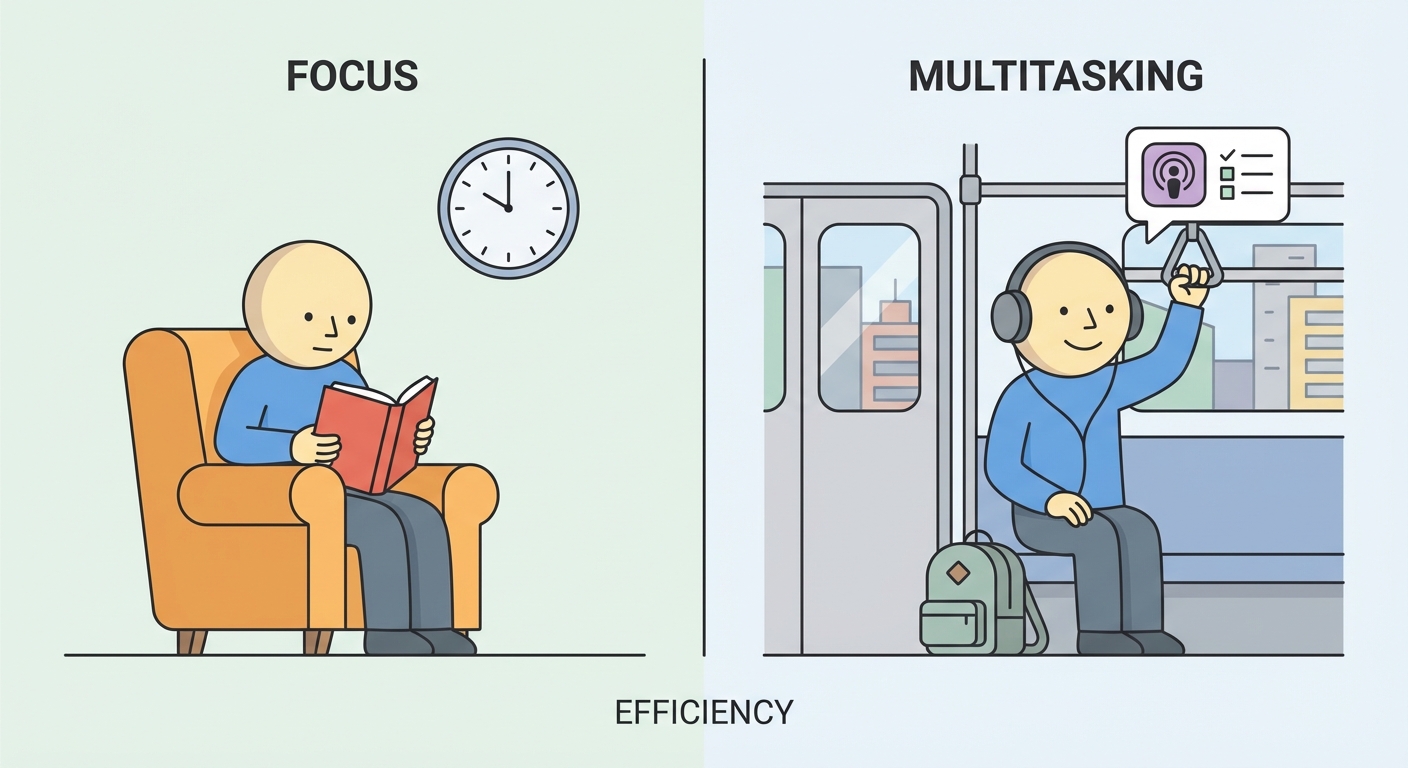
For years, we accepted that reading required 100% of our visual attention. If you were reading, you weren't driving, cooking, or hitting a PR at the gym. But the modern information diet is relentless. We are drowning in content but starved for time. Audio articles unlock "dead time." Suddenly, a forty-minute commute isn't just wasted gas and road rage; it’s a chapter of a book or three long-form articles from The New Yorker.
The Multitasking Factor
The primary driver here is multitasking. We are a generation obsessed with optimization. Listening to an article allows for "dual-channel" processing. Your body can be occupied with low-focus tasks—folding laundry, walking the dog, navigating traffic—while your mind is engaged in high-level learning.
This is the exact psychological hook that drove the podcast boom, but now it’s applied to the written web. You don't need to wait for a creator to record an episode; with the right tools, the entire internet is your playlist.
Accessibility: The Foundation
While productivity drives the mass market, we cannot ignore the foundational importance of accessibility. For millions of people with visual impairments, dyslexia, or learning disabilities, the web has often been a hostile place. Automated voice technology isn't a "hack" for them; it is a necessity.
The W3C Web Accessibility Initiative emphasizes that providing audio alternatives is critical for compliance and inclusivity. However, the "curb-cut effect" applies here perfectly: features designed for accessibility (like ramps on sidewalks) end up benefiting everyone (parents with strollers, travelers with luggage). Similarly, TTS benefits the dyslexic reader just as much as the tired executive.
The Retention Debate
There is a lingering skepticism: do you retain as much when you listen? The science is nuanced, but the consensus is shifting. While deep, critical analysis of a text might still favor visual reading for some, audio offers a different kind of retention—narrative retention. When a voice acts out the text, using intonation and pacing, it creates a stronger emotional memory of the content.
How Does Text-to-Speech (TTS) Actually Work?
If your memory of text-to-speech is the robotic, halting voice of a 1990s GPS ("Turn. Left. In. One. Hundred. Feet."), you are living in the past. We have graduated from "Concatenative TTS" to "Neural TTS." The difference is like comparing a pixelated Mario to a 4K film.
From Robotic to Realistic
In the old days, TTS worked by chopping up pre-recorded words and sounds (phonemes) and gluing them together. It sounded choppy because it was choppy. There was no understanding of the sentence, just a string of sounds.
Modern Neural TTS uses deep learning and artificial intelligence. The engine doesn't just look at the letters; it analyzes the context. It understands that "read" is pronounced differently in "I will read this" versus "I have read this." It recognizes a question mark and raises the pitch at the end of the sentence. It pauses for a comma.
It breathes.
The process involves a complex linguistic analysis where the AI normalizes the text (turning "$10" into "ten dollars"), breaks it down into phonetic sounds, and then uses a Neural Network to generate the actual sound waves from scratch. This allows for voices that can whisper, shout, or speak with the specific cadence of a news anchor.
What Are the Best Tools to Listen to Articles?
For the consumer looking to turn their reading list into a listening list, the market is flooded with options. However, a few tools stand out for their quality of voice and ease of use.
Browser Extensions & Desktop Tools
Speechify is currently the heavyweight champion in this arena. They have aggressively marketed their "high-quality AI voices," including celebrity partnerships (yes, you can have Gwyneth Paltrow read you a physics paper). But beyond the gimmick, their engine is solid. It handles PDF layouts, skips headers and footers intelligently, and offers "speed listening"—training your brain to consume content at 2x or 3x speed. You can check out their features at the Speechify official site.
NaturalReader is the academic's choice. It excels at handling dense documents and offers a very clean, distraction-free interface. If you are dealing with 50-page PDFs or research papers, NaturalReader’s focus on document integrity makes it a top-tier pick.
Native Mobile Features
You might not need to download anything at all. The "Sleeping Giants" of TTS are already in your pocket.
- iOS: Go to Settings > Accessibility > Spoken Content. Turn on "Speak Screen." Now, in any app (browser, email, Kindle), swipe down with two fingers from the top of the screen, and Siri will read the page to you. The quality of Siri's voice has improved dramatically in recent updates.
- Android: The "Select to Speak" feature offers similar functionality, powered by Google's increasingly scary-good AI voice engine.
Pocket & Instapaper
If you are a "save for later" person, you likely use Pocket or Instapaper. Both of these apps have built-in TTS engines. Pocket, in particular, has a fantastic "Listen" feature that turns your saved queue into a custom playlist. It feels less like a utility and more like a curated radio station of the internet.
Integrated Publisher Players
Major publications are waking up. The New York Times, Medium, and The Atlantic now frequently include a native "Play" button at the top of their articles. This is the gold standard—no extensions needed, just press play and the site reads itself to you, often using a custom voice trained specifically for their brand.
How Can Publishers Implement 'Read Aloud' Features?
If you run a blog, a news site, or a corporate content hub, you might be thinking, "That sounds nice, but it's expensive/hard." It’s not, and the ROI is undeniable.
Why Publishers Should Care (SEO & Dwell Time)
Here is the metric that matters: Dwell Time. Google loves it when a user stays on your page for 10 minutes. It hates it when they bounce after 10 seconds. When you offer an audio version of a 2,000-word article, and a user clicks play, they are effectively "on your page" for the duration of that audio. This signals to search engines that your content is highly valuable. Following SEO best practices, increasing engagement time is one of the most effective ways to boost your rankings without writing a single new word.
Implementation Options
You don't need to hire a developer to build a neural network. The barrier to entry has collapsed.
- WordPress Plugins: If you are on WordPress, tools like Play.ht and Amazon Polly offer plug-and-play solutions. You install the plugin, choose a voice, and it automatically adds a player to your posts. It’s a five-minute setup.
- API Integrations: For custom-built sites (React, Next.js), you can tap directly into the big guns. Google Cloud TTS and IBM Watson offer APIs that allow you to send text and receive audio. This requires coding, but it gives you total control over the player design and voice behavior.
- The "Audio Blog" Strategy: Some creators are taking it a step further and turning their blog feed into a podcast feed. Tools can automatically generate an RSS feed of your audio articles, allowing users to "subscribe" to your blog on Spotify or Apple Podcasts.
Will AI Voices Replace Human Narrators?
This is the billion-dollar question. If AI sounds this good, do we need humans?
The "Uncanny Valley" of Audio
We are approaching the Uncanny Valley, but we aren't quite across it. AI excels at information. It can read a stock report, a breaking news brief, or a "How-To" guide perfectly. But it struggles with the soul.
Irony, sarcasm, deep sorrow, and comedic timing are nuances that AI still fumbles. If you listen to an AI read a novel, it often flattens the emotional arc. It reads a death scene with the same cadence as a breakfast scene.
Voice Cloning
The ethical gray area is expanding with voice cloning. It is now possible to clone a human voice with just a few minutes of audio. A blogger can clone their own voice and have the AI read their posts to the audience in their own voice. It sounds like them, but they didn't record it. This creates a weird paradox of authenticity. Is it you? Sort of.
The Verdict
AI will dominate the "Utility" audio space—news, weather, textbooks, manuals. But for "Narrative" audio—fiction, memoirs, deep investigative journalism—the human narrator is safe for now. We still crave the connection of a real human interpreting the words. As discussed in recent trends on the future of content creation, the premium tier of content will likely remain human-narrated, while the vast ocean of daily information becomes automated.
Frequently Asked Questions (FAQ)
1. Can I listen to articles for free? Yes. You do not need a subscription service. Most smartphones have built-in accessibility tools (Speak Screen on iOS, Select to Speak on Android) that can read any text on your screen for free.
2. Do automated voices sound robotic? Not anymore. While free, older engines might sound a bit mechanical, modern "Neural" text-to-speech uses deep learning to mimic human breath, pitch, and intonation. Many are nearly indistinguishable from human speakers for short passages.
3. Does listening to articles count as screen time? Technically, no. The benefit of listening is that you can lock your phone, put it in your pocket, and look at the world. It shifts the activity from visual consumption to audio consumption, helping reduce the eye strain associated with excessive screen time.
4. How do I add a "Listen to this article" button to my website? If you use WordPress, plugins like Play.ht or GSpeech are the easiest methods. They automatically generate audio players for your posts. For custom sites, developers can use the Web Speech API or Google Cloud TTS.
Conclusion
The shift to articles read aloud by automated voices is not a fad; it is a fundamental restructuring of how the internet speaks. For the consumer, it offers a way to reclaim time and save eyesight in a visually saturated world. For the publisher, it offers a lifeline to engagement in an attention economy that is increasingly audio-first.
Whether you are a reader looking to power through your morning newsletter on a jog, or a creator looking to boost your dwell time, the technology is ready. The Audible Internet is here.
The only question is: are you listening?
Call to Action: Don't just read about it—hear it. Go into your phone's settings today and enable "Speak Screen," or install a browser extension like Speechify. If you are a creator, audit your top 5 posts this week and test an audio version. You might just find that your audience has been waiting to hear from you.