🚀 Get 6 Pro AI Tools for $250/year (worth $2,600) — Save 90% (Limited Time) Grab Now

Generate Engaging
Voiceovers for Presentations

Deliver professional presentations with confidence. Let AI voices narrate your slides for a polished and effectively timed delivery.

143/200

Unleash Your Creative Potential

Everything you need to produce high-quality content, faster than ever before.

Perfect Timing

Ensure your narration finishes exactly when your slide animations end. Re-generate to adjust duration instantly.

Remove Performance Anxiety

Deliver a flawless pitch every time without worrying about stumbling over words or recording fatigue.

Evergreen Content

Update a single slide's audio next quarter without having to re-record the entire presentation.
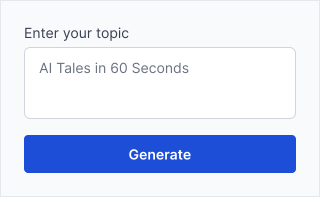
How to Create Presentations Voiceovers

Follow these simple steps to generate professional audio in seconds.

Script Per Slide

Write the narration for each slide as a separate block of text.

Script Per Slide

Choose Presenter

Select a confident, articulate voice that sounds like an executive or expert.

Choose Presenter

Add to Deck

Insert the audio files into PowerPoint, Keynote, or Google Slides set to 'Play Automatically'.

Add to Deck

Frequently Asked Questions

FAQs offer concise answers to common inquiries about Kveeky.

Yes, a professional AI voice can make your deck stand out and ensure your message is delivered clearly even if you aren't in the room.

Yes, our 'Professional' voices are indistinguishable from human speakers in a formal context.

In PowerPoint, insert the audio on the slide and set it to play 'With Previous' or 'After Previous' animation.

Start Creating Studio-Quality Voiceovers Today

Choose from 500+ realistic AI voices in 20+ languages — built for creators and brands.

Get started for free -->

No credit card required