Kveeky Blog: AI Voiceover & Text-to-Speech Guides (page 4)
Practical AI voiceover and text-to-speech guides: tool comparisons, TikTok and YouTube voice tips, voice cloning, languages and scripts from Kveeky.
Practical AI voiceover and text-to-speech guides: tool comparisons, TikTok and YouTube voice tips, voice cloning, languages and scripts from Kveeky.
 Business & courses
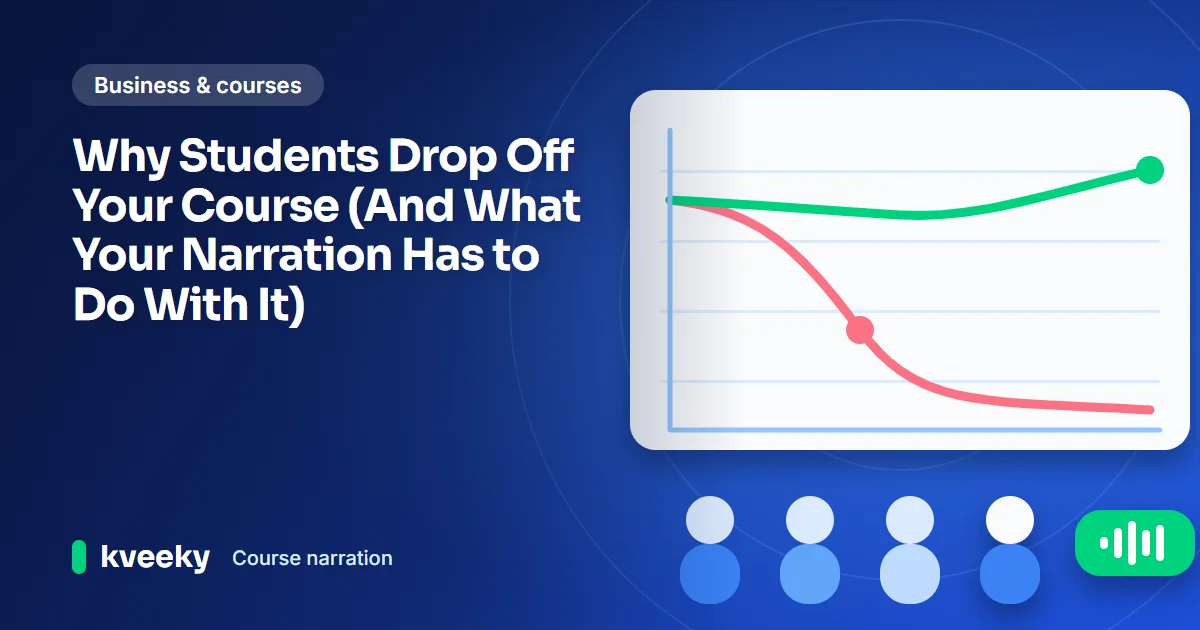
 Students rarely quit a course over one thing, but poor narration adds friction. Run the 20-second check, a 5-step audit and see when AI voice helps.
 11 min read
  Business & courses
 Why an AI onboarding voiceover fits customer onboarding videos: faster updates, more languages and one consistent voice. Plus a sequence plan and FAQ.
 10 min read
  Business & courses
 How SaaS teams use AI voice for in-app tutorials: narrated product tours, help clips and release videos, plus a workflow, accessibility rules and FAQ.
 11 min read
  YouTube & social
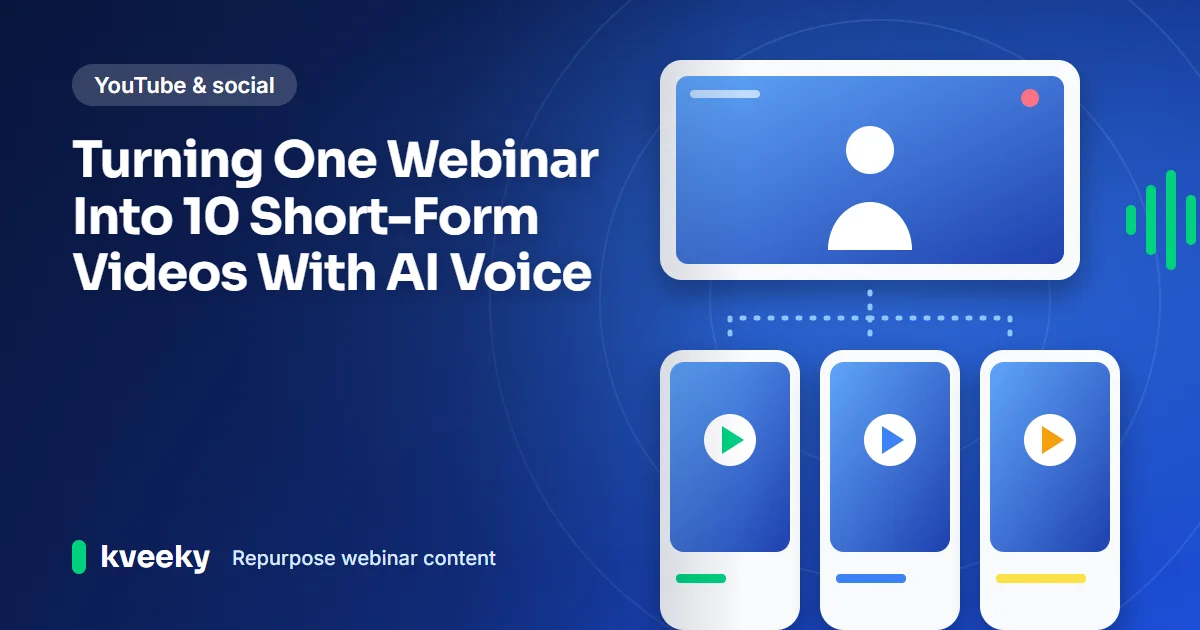
 Repurpose webinar content into 10 short-form videos: find the best moments in the transcript, cut clean clips, and use AI voice for hooks and recaps.
8 min read  YouTube & social
 How to use AI voiceovers for LinkedIn video ads in 2026: specs, 15-30 second scripts, voice by funnel stage, hybrid human-AI workflows and testing.
12 min read  Business & courses
 Employees skipping training videos? Fix the corporate training voiceover first: audit clarity, pace and tone, write for the ear, choose AI or human.
10 min read  Business & courses
 Write a product demo script that fits in 60 seconds: a 4-part result-first framework, a fill-in template, timing tips and how to voice it with AI.
 10 min read
  Business & courses
 A 7-step plan for localized video marketing on one budget: pick the right videos, build a master edit, add AI voiceovers and avoid bad localization.
10 min read  Business & courses
 Explainer getting views but few clicks? Check the voiceover: voice fit, pacing, script length and the call to action. Includes a picker and calculator.
11 min read  Business & courses
 Build a brand voice guide for AI voiceovers: pick a voice, set pace and tone, add a pronunciation list and brief every project. Free copy-paste template.
13 min read  Voiceovers
 AI voiceover cost per video from prices checked October 6, 2026: cost per minute for 4 tools, a 10-minute example and a calculator for your real cost.
12 min read  Voiceovers
 A repeatable AI voiceover workflow for short videos: 10 minutes to script, 10 to voice, 10 to edit and upload, with a timer and prep checklist.
8 min read Paste your text, pick a voice and download the audio. Free to start, no credit card.